University and District Library
iPad remote access configuration
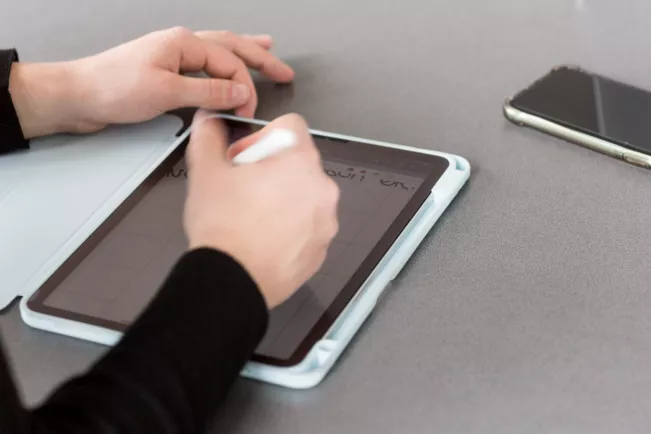
Please follow the step-by-step-instruction on how to configurate the Library remote access via iPad.
Remote access currently only works on Apple devices using the Firefox browser.
In Firefox, open the “Settings” menu item >> Connection settings >> Proxy >> Copy and paste the following link into the “Automatic proxy configuration address” field: https://www.h-brs.de/files/proxy.pac >> Confirm with OK.
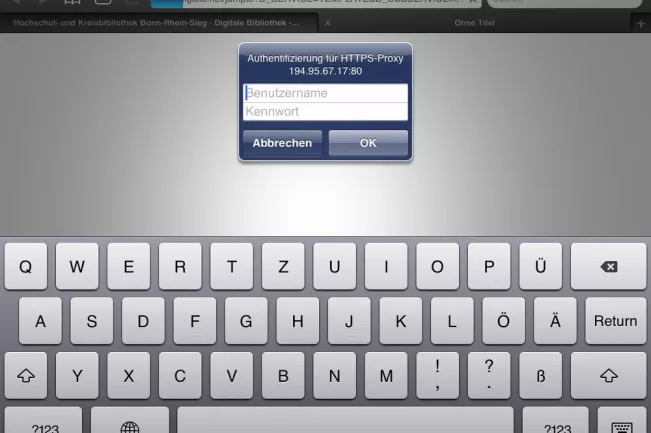
Login
You can now enter the electronic collections of the library via remote access. Please log in with your library number and MIA password.
All electronic resources and databases can be searched via Bib-Discover. A successful search will result in a link in the single hit display. It will lead you to the electronic resource.
If you have any questions or comments on this service, please contact us.
Some answers to frequently asked questions about remote access can be found here.